> For the complete documentation index, see [llms.txt](https://support.senterasensors.com/home/llms.txt). Markdown versions of documentation pages are available by appending `.md` to page URLs; this page is available as [Markdown](https://support.senterasensors.com/home/rtk-ppk-module/getting-started/upgrade-existing-sensors.md).
# Upgrade Existing Sensors
## Information
A hardware upgrade is required for existing Sentera sensors that were purchased before the release of the RTK-PPK module. To accommodate users with existing Sentera sensors who purchase the RTK-PPK systems, Sentera will perform a hardware upgrade for free to allow for compatibility with the RTK-PPK module.
## Does My Sensor Need An Upgrade?
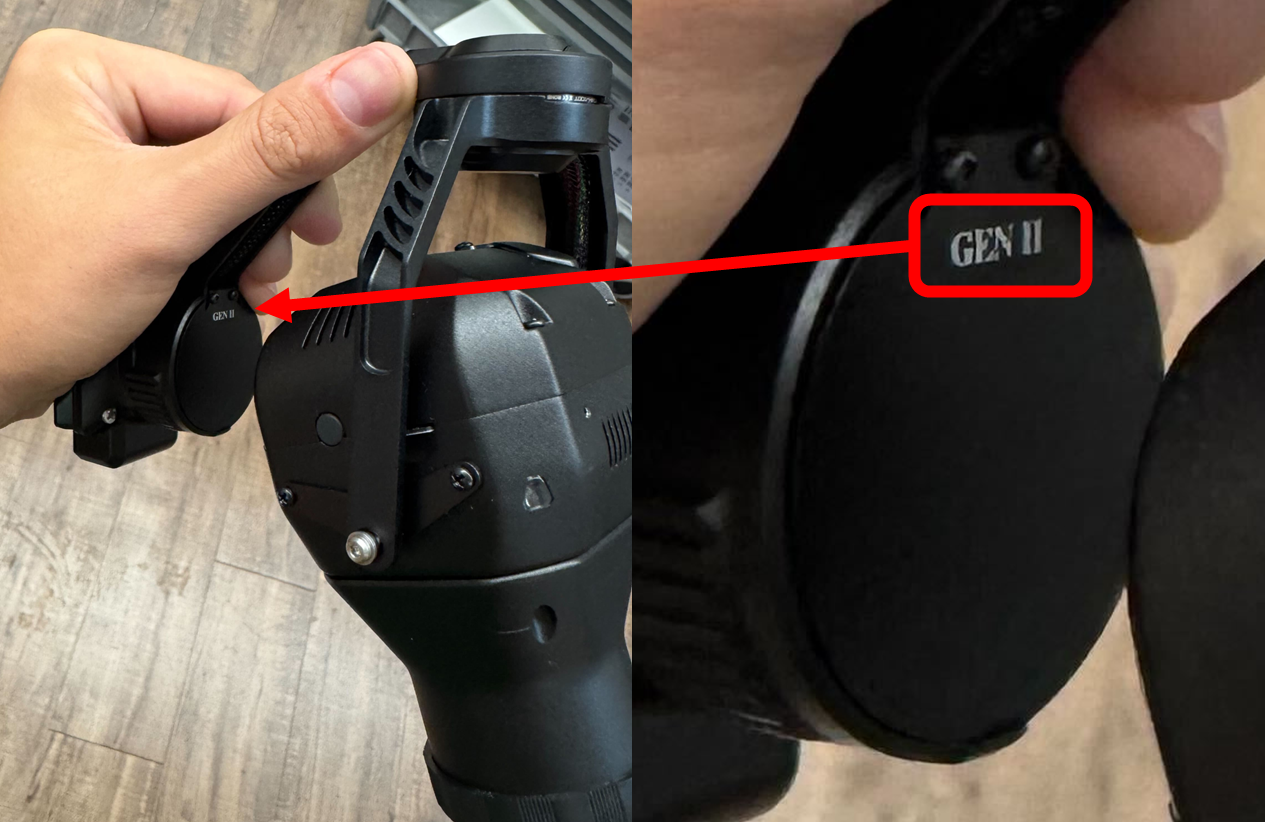
Sensors that are ready for use with the RTK PPK Module will have a GEN II marking located on the bottom side of the gimbal as shown.
**If your sensor does not have this marking it requires an upgrade to work with the RTK PPK module.**
## Upgrade Eligibility Requirements
1. A Sentera Sensor must already be owned.
2. An RTK PPK Module must already have been purchased.
3. An RMA request must be submitted per the instructions below.
## RMA Instructions
{% stepper %}
{% step %}
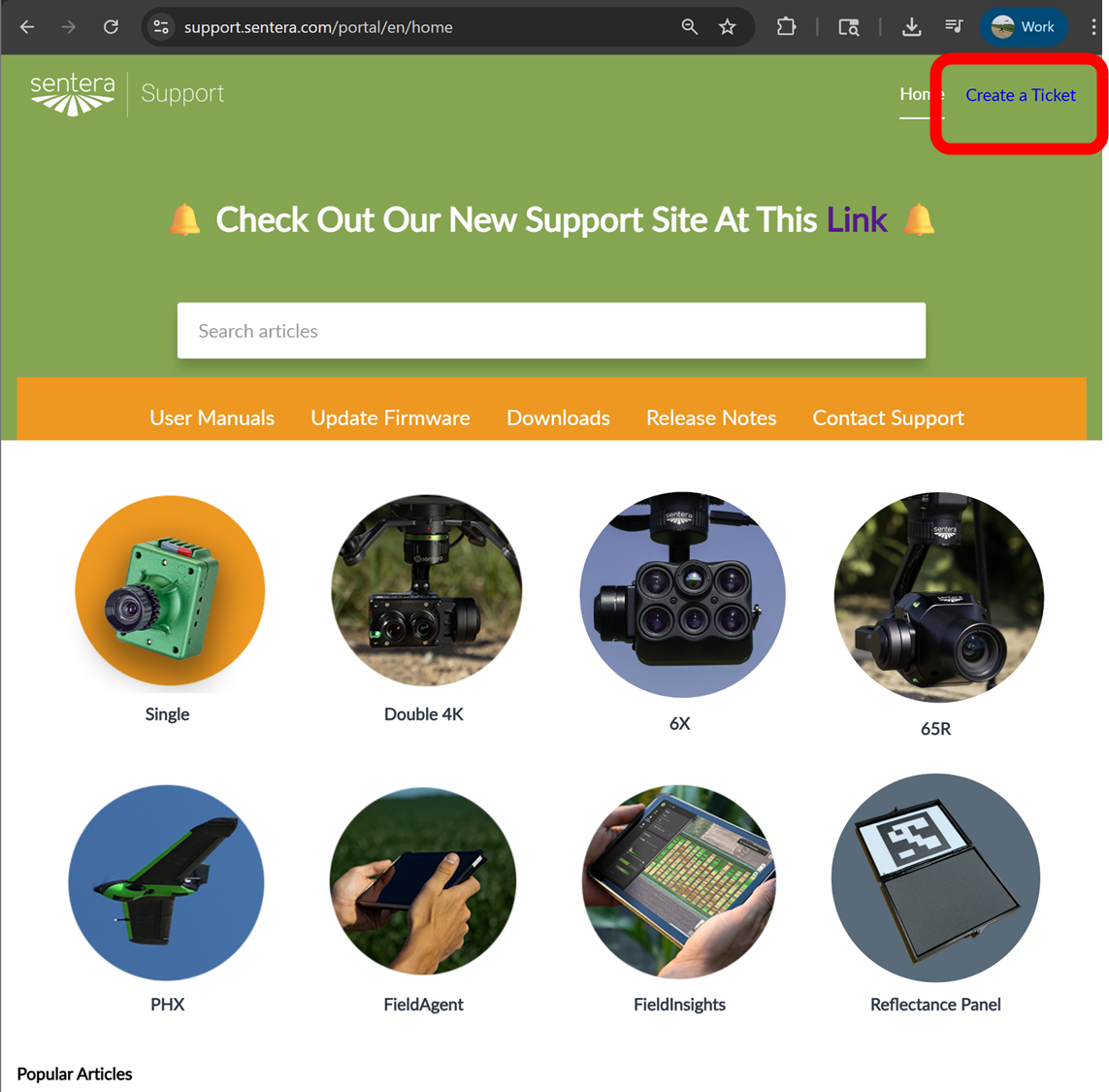
### Go to Sentera Support
{% embed url="" %}
{% hint style="info" %}
Open this link in a new window
{% endhint %}
{% endstep %}
{% step %}
### Create a Ticket
{% endstep %}
{% step %}
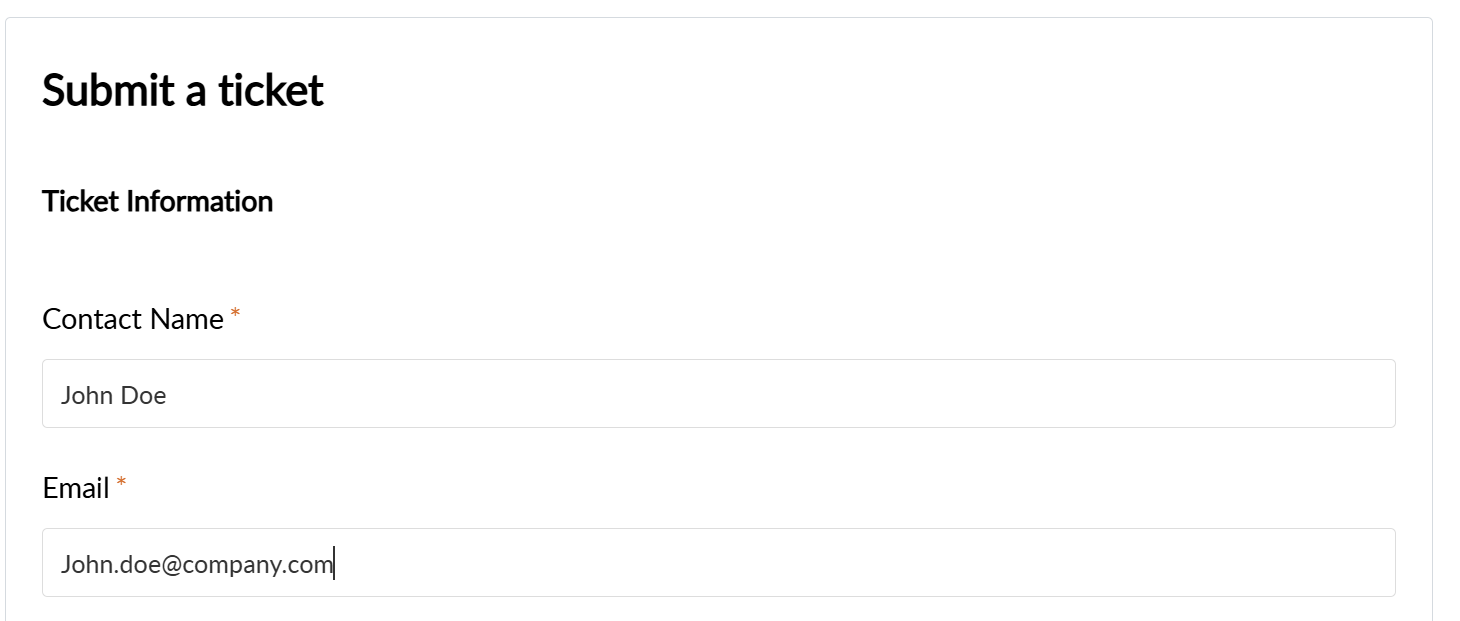
### Enter Your Information
{% endstep %}
{% step %}
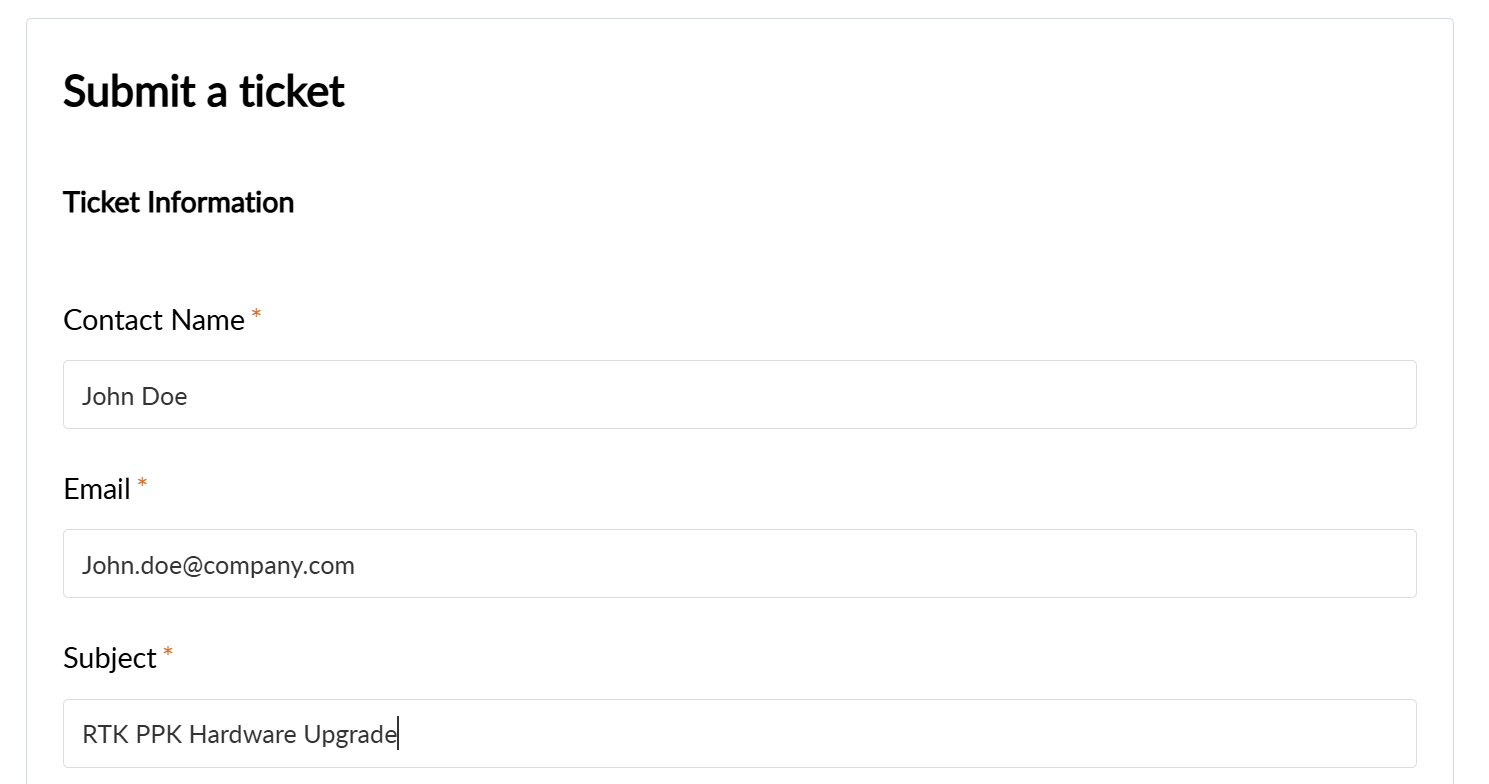
### Enter "RTK PPK Hardware Upgrade" as the subject
```
RTK PPK Hardware Upgrade
```
{% endstep %}
{% step %}
### Enter Information in Description
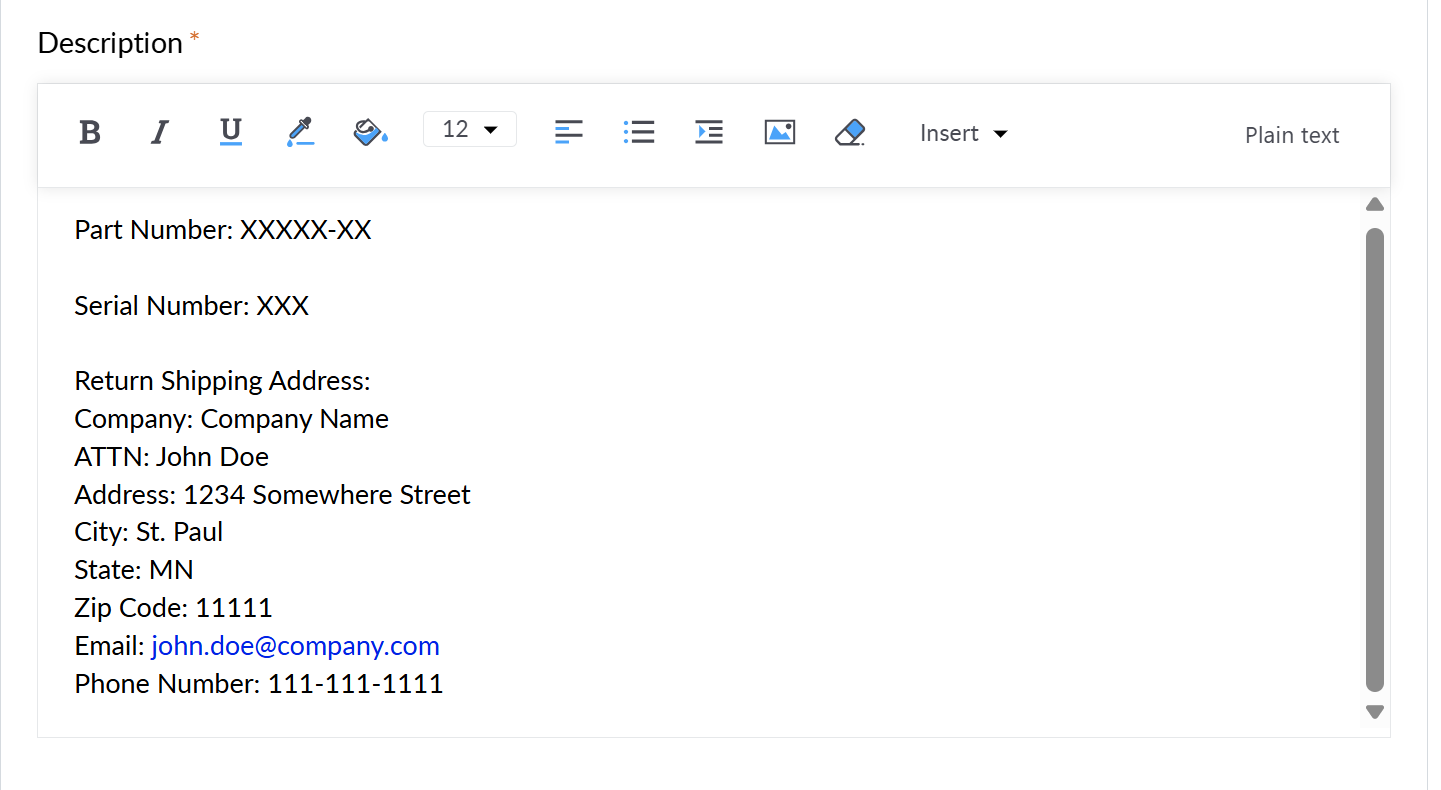
Enter the following information into the Description box (copy paste for ease)
```
Part Number:
Serial Number:
Return Shipping Address
Company:
ATTN:
Address:
City:
State:
Zip Code:
Email:
Phone:
```
{% endstep %}
{% step %}
### Upload Proof of Purchase
Use the Attach a file button to upload the proof of purchase for the RTK-PPK module.
{% endstep %}
{% step %}
### Submit
Submit the ticket.
Sentera support will respond and provide an RMA number, shipping address, and shipping instructions.
{% endstep %}
{% endstepper %}
## Other Information
* Sentera will not provide a shipping label to return the sensor in for upgrade.
* Sentera will pay the shipping costs for ground shipping back to the provided return address after the upgrade it complete.
* Expedited return shipping can be requested at the customers expense.
* The upgrade will be completed in 5 to 10 business days from when Sentera receives the returned equipment.
---
# Agent Instructions
This documentation is published with GitBook. GitBook is the documentation platform designed so that both humans and AI agents can read, navigate, and reason over technical content effectively. Learn more at gitbook.com.
## Querying This Documentation
If you need additional information that is not directly available in this page, you can query the documentation by asking a question.
Perform an HTTP GET request on the following URL with the `ask` and `goal` query parameters:
```
GET https://support.senterasensors.com/home/rtk-ppk-module/getting-started/upgrade-existing-sensors.md?ask=&goal=
```
`ask` is the immediate question: it should be specific, self-contained, and written in natural language.
`goal` is what the user is ultimately trying to achieve, the reason they need the answer. Sharing it helps GitBook give you a better, more relevant answer. A goal is most helpful when it describes the outcome the user wants rather than restating the question. For example, with `ask=how do I create an API token`, a goal like `automate deployments from our CI pipeline` lets GitBook tailor the answer to that use case.
The response will contain a direct answer to the question and relevant excerpts and sources from the documentation.
Use this mechanism when the answer is not explicitly present in the current page, you need clarification or additional context, or you want to retrieve related documentation sections.