| Cover image | |
|---|---|
| Sentera Ground Radio | ground radio and seperate antenna cropped.jpg |
| Antenna | antenna shadowless 2.jpg |
| Coax Cable* | if800 coax shadowless cropped.jpg |
| USB-A to USB-C cable | usb to usb c.jpg |
| Lemo to USB Cable adapter | lemo to usb adapter.jpg |
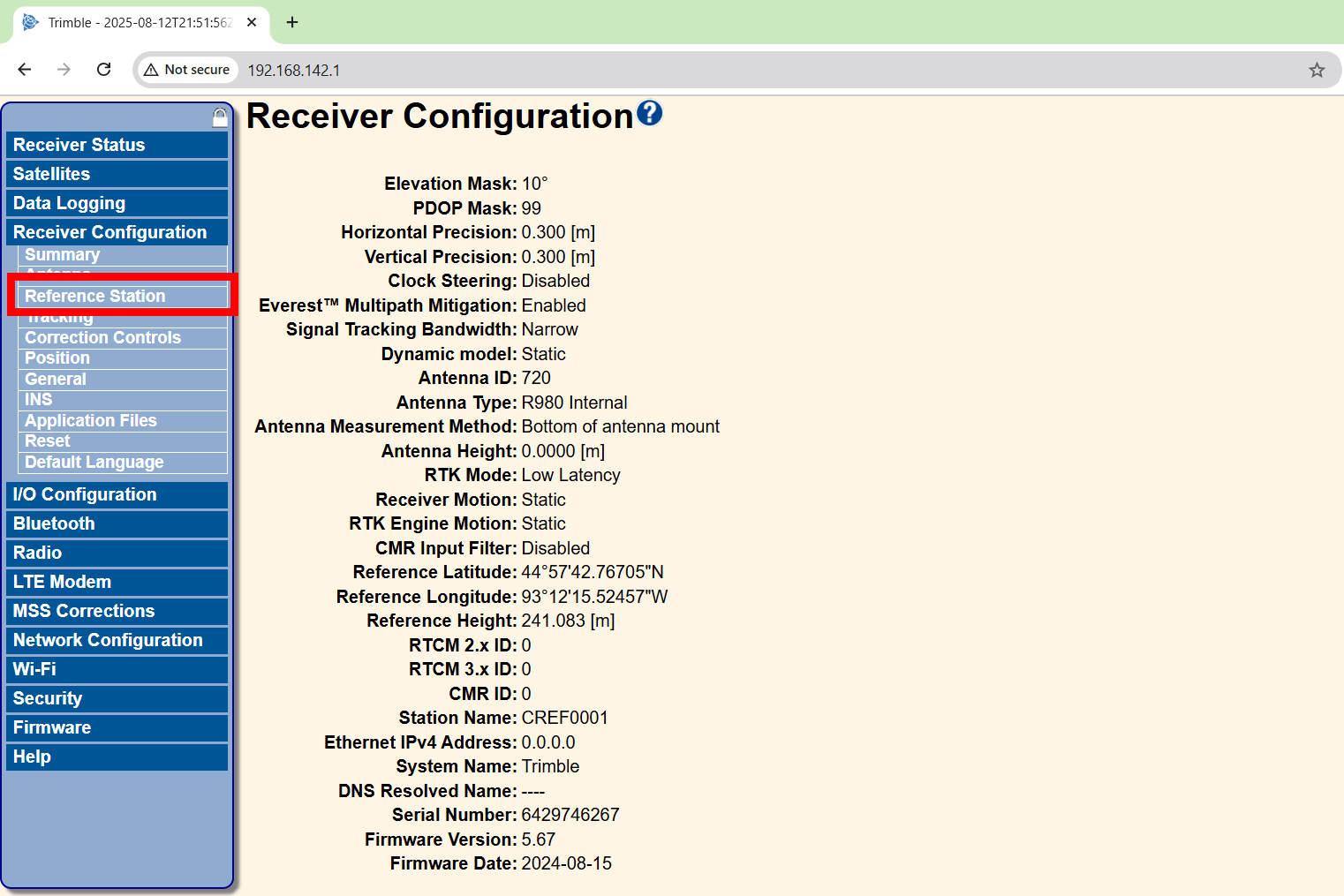
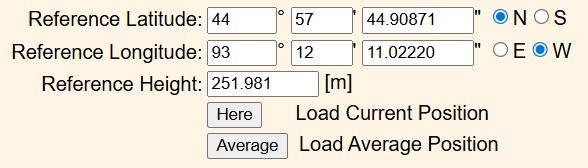
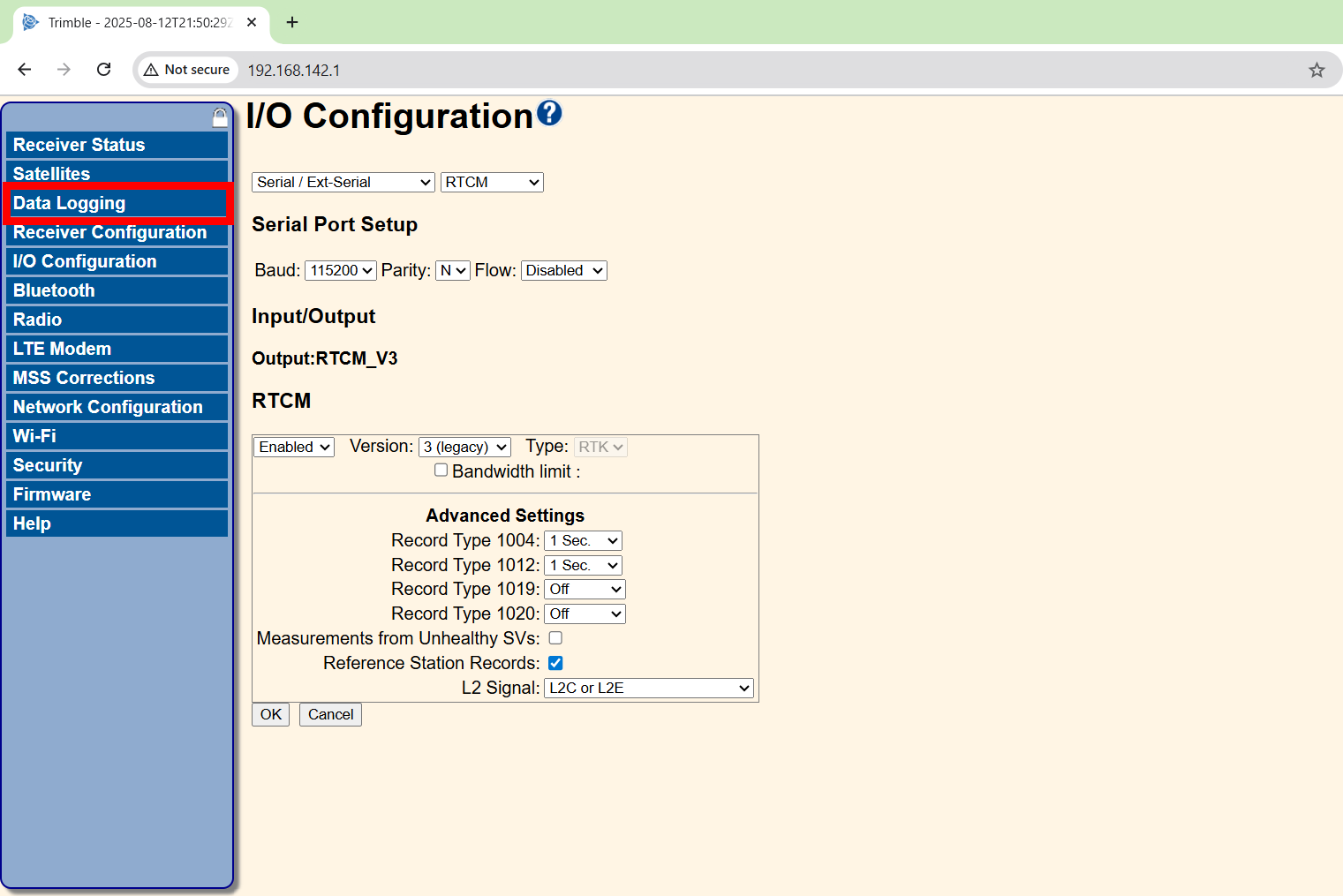
| R980 Base Station | trimble r980.jpg |
| Survey Rod and Tripod | survey rod and tripod.jpg |
| Internet Enabled Device* | phone.jpg |
| RTK-PPK Module | module cropped.jpg |
| Sentera Sensor | 65R and 6X.jpg |
| Drone | if800.jpg |
| Cover image | |
|---|---|
| 6X Dual Mount | dual mount.jpg |
| Right Angle USB-C to USB-A Cable, 6in | right angle usb to c second pic.jpg |
| Light Sensor | ils.jpg |
| Cover image | |
|---|---|
| Coax Cable* | if800 coax shadowless cropped.jpg |
| R980 Base Station | trimble r980.jpg |
| Survey Rod and Tripod | survey rod and tripod.jpg |
| Internet Enabled Device* | phone cropped.jpg |
| RTK-PPK Module | module cropped.jpg |
| Sentera Sensor | 65R and 6X.jpg |
| Inspired Flight Drone | if800.jpg |
| Cover image | |
|---|---|
| 6X Dual Mount | dual mount.jpg |
| Right Angle USB-C to USB-A Cable, 6in | right angle usb to c second pic.jpg |
| Light Sensor | ils.jpg |