> For the complete documentation index, see [llms.txt](https://support.senterasensors.com/home/llms.txt). Markdown versions of documentation pages are available by appending `.md` to page URLs; this page is available as [Markdown](https://support.senterasensors.com/home/fieldagent-web/readme.md).

# FieldAgent Web

How to use FieldAgent Web to manage fields, order mosaics and analytics, and act on the results.

## Start here

<table data-view="cards"><thead><tr><th></th><th></th><th></th><th data-hidden data-card-target data-type="content-ref"></th></tr></thead><tbody><tr><td><h4><i class="fa-flag">:flag:</i></h4></td><td><strong>Before your first flight</strong></td><td>Get set up in FieldAgent Web, from the welcome email to your first order.</td><td><a href="/home/fieldagent-web/get-started/start-here.md">Start here</a></td></tr><tr><td><h4><i class="fa-circle-info">:circle-info:</i></h4></td><td><strong>FieldAgent Web overview</strong></td><td>Learn how to go from a drone flight to mosaics, analytics and prescriptions.</td><td><a href="/home/fieldagent-web/get-started/what-is-fieldagent.md">FieldAgent Web overview</a></td></tr><tr><td><h4><i class="fa-map-location-dot">:map-location-dot:</i></h4></td><td><strong>Tour of FieldAgent Web</strong></td><td>Find your way around the navigation bar, the organization selector and the account menu.</td><td><a href="/home/fieldagent-web/get-started/tour-of-fieldagent-web.md">Tour of FieldAgent Web</a></td></tr><tr><td><h4><i class="fa-draw-polygon">:draw-polygon:</i></h4></td><td><strong>Create a field</strong></td><td>Draw a boundary, or import fields from Operations Center or Climate FieldView.</td><td><a href="/home/fieldagent-web/fields/create-a-field.md">Create a field</a></td></tr><tr><td><h4><i class="fa-cloud-arrow-up">:cloud-arrow-up:</i></h4></td><td><strong>Import imagery</strong></td><td>Upload drone photos, a QuickTile or a finished mosaic to a field.</td><td><a href="/home/fieldagent-web/imagery/import-imagery-in-fieldagent-web.md">Import imagery in FieldAgent Web</a></td></tr><tr><td><h4><i class="fa-cart-shopping">:cart-shopping:</i></h4></td><td><strong>Order a mosaic</strong></td><td>Stitch a survey into RGB, crop health, multispectral or elevation mosaics.</td><td><a href="/home/fieldagent-web/ordering/order-a-mosaic.md">Order a mosaic</a></td></tr></tbody></table>

***

## Work with your data

<table data-view="cards"><thead><tr><th></th><th></th><th></th><th data-hidden data-card-target data-type="content-ref"></th></tr></thead><tbody><tr><td><h4><i class="fa-layer-group">:layer-group:</i></h4></td><td><strong>Map layers</strong></td><td>Choose which mosaics and analytics show on a field, and in what order.</td><td><a href="/home/fieldagent-web/view-and-analyze/map-layers.md">Map layers</a></td></tr><tr><td><h4><i class="fa-palette">:palette:</i></h4></td><td><strong>Colorization and visualization</strong></td><td>Change the index, bins and colors of a layer.</td><td><a href="/home/fieldagent-web/view-and-analyze/colorization-and-visualization.md">Colorization and visualization</a></td></tr><tr><td><h4><i class="fa-vector-square">:vector-square:</i></h4></td><td><strong>Zones and zone statistics</strong></td><td>Draw zones and compare the values inside them.</td><td><a href="/home/fieldagent-web/view-and-analyze/zones-and-zone-statistics.md">Zones and zone statistics</a></td></tr><tr><td><h4><i class="fa-satellite">:satellite:</i></h4></td><td><strong>Satellite imagery</strong></td><td>Sentinel-2 NDVI, NDRE and RGB layers between drone flights.</td><td><a href="/home/fieldagent-web/analytics/satellite-imagery.md">Satellite imagery</a></td></tr><tr><td><h4><i class="fa-prescription">:prescription:</i></h4></td><td><strong>Zone Rx prescriptions</strong></td><td>Turn a layer into a variable-rate prescription and send it to Operations Center.</td><td><a href="/home/fieldagent-web/export-and-share/zone-rx-prescriptions.md">Zone Rx prescriptions</a></td></tr><tr><td><h4><i class="fa-download">:download:</i></h4></td><td><strong>Download and export data</strong></td><td>Download mosaics, layer data and PDF reports.</td><td><a href="/home/fieldagent-web/export-and-share/download-and-export-data.md">Download and export data</a></td></tr></tbody></table>

***

## Analytics

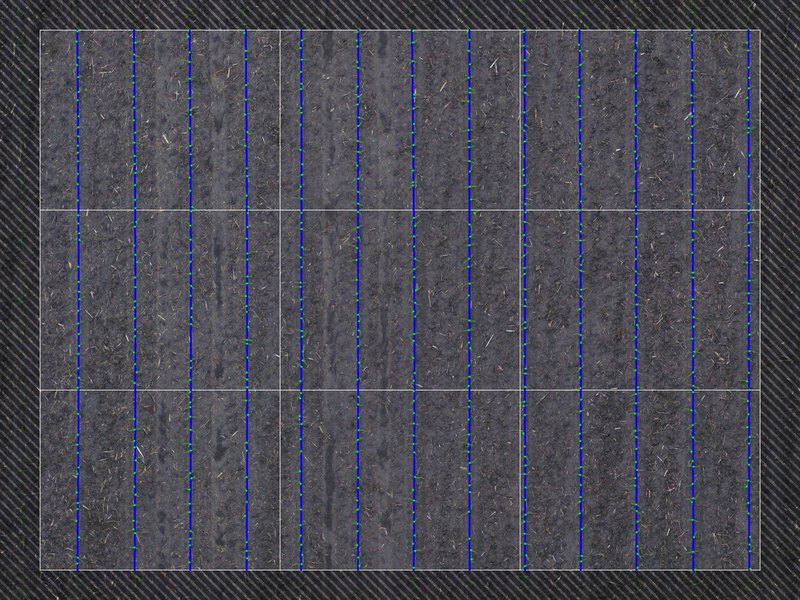
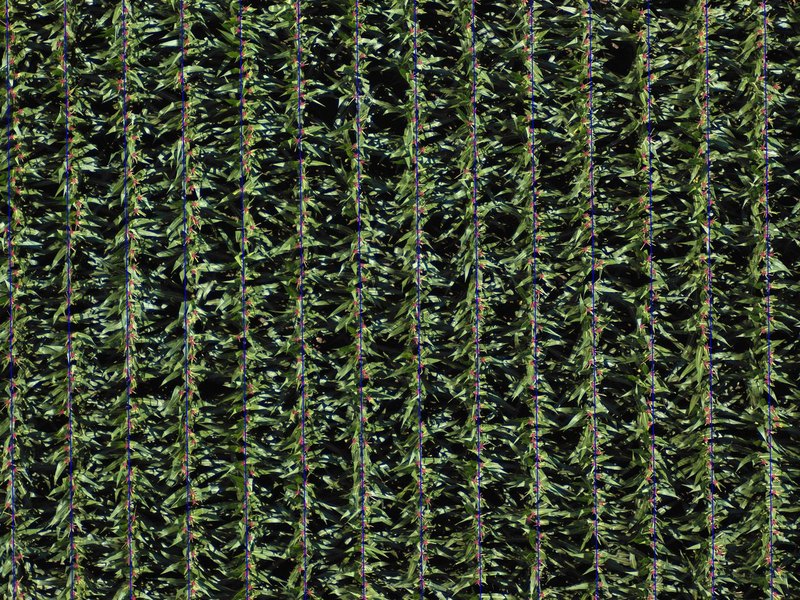
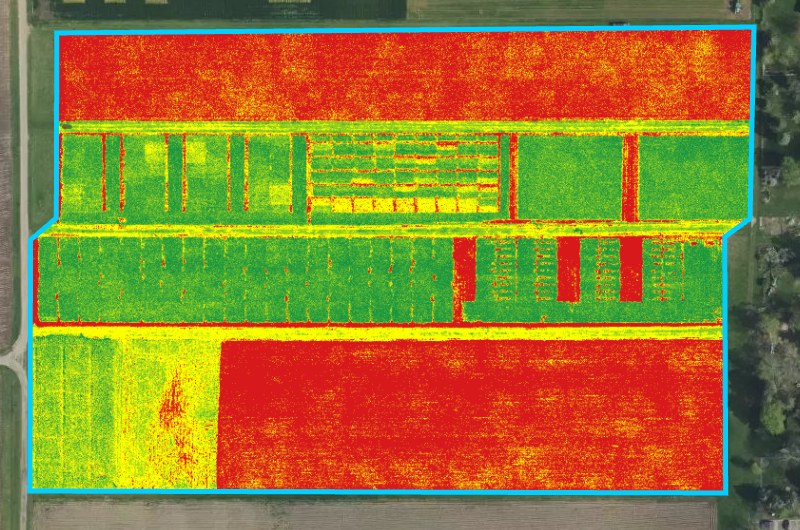
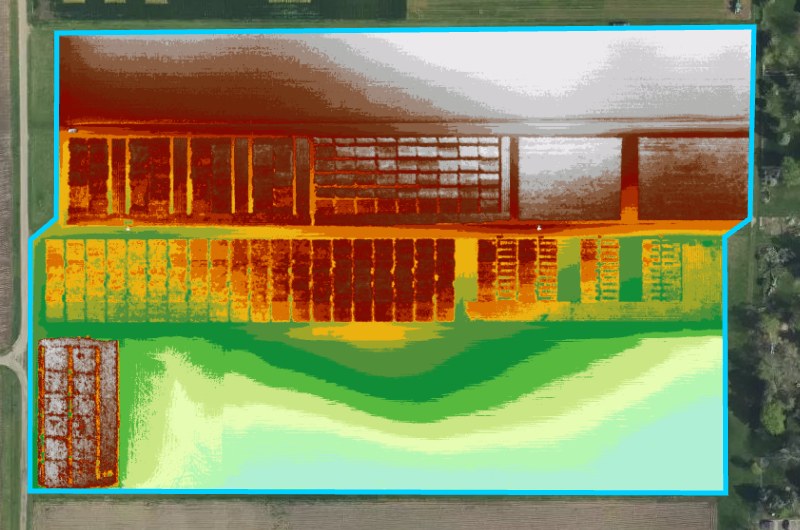
<table data-card-size="large" data-view="cards"><thead><tr><th></th><th></th><th></th><th data-hidden data-card-target data-type="content-ref"></th><th data-hidden data-card-cover data-type="image"></th></tr></thead><tbody><tr><td><h4><i class="fa-seedling">:seedling:</i></h4></td><td><strong>Stand Count</strong></td><td>Plants per acre and emergence, verifiable with annotated images from your drone flight.</td><td><a href="/home/fieldagent-web/analytics/stand-count.md">Stand Count</a></td><td><a href="https://2791052504-files.gitbook.io/~/files/v0/b/gitbook-x-prod.appspot.com/o/spaces%2FVt6flh3S4tohPAjrSP91%2Fuploads%2Fgit-blob-be2db585075c204def0bc94cbf69c0fe6a006d0a%2Ffa-web-photo-stand-count-annotation.jpg?alt=media">fa-web-photo-stand-count-annotation.jpg</a></td></tr><tr><td><h4><i class="fa-wheat-awn">:wheat-awn:</i></h4></td><td><strong>Tassel Count and yield estimate</strong></td><td>Tassels per acre, and a yield estimate once you add a kernel count.</td><td><a href="/home/fieldagent-web/analytics/tassel-count.md">Tassel Count and yield estimate</a></td><td><a href="https://2791052504-files.gitbook.io/~/files/v0/b/gitbook-x-prod.appspot.com/o/spaces%2FVt6flh3S4tohPAjrSP91%2Fuploads%2Fgit-blob-ee651c14c78d6ccffcbd0f1e81b8086f35b47826%2Ffa-web-photo-tassel-annotation.jpg?alt=media">fa-web-photo-tassel-annotation.jpg</a></td></tr><tr><td><h4><i class="fa-heart-pulse">:heart-pulse:</i></h4></td><td><strong>Crop Health and Multispectral mosaics</strong></td><td>NDVI, NDRE and the other indices on multispectral mosaics.</td><td><a href="/home/fieldagent-web/analytics/crop-health-mosaics.md">Crop Health and Multispectral mosaics</a></td><td><a href="https://2791052504-files.gitbook.io/~/files/v0/b/gitbook-x-prod.appspot.com/o/spaces%2FVt6flh3S4tohPAjrSP91%2Fuploads%2Fgit-blob-73d41b503a4627166e0e84e1d8a5bc4be93b7b07%2Ffa-web-layer-vari-mosaic.jpg?alt=media">fa-web-layer-vari-mosaic.jpg</a></td></tr><tr><td><h4><i class="fa-mountain">:mountain:</i></h4></td><td><strong>Elevation Mosaic</strong></td><td>View and export a digital surface model of a field.</td><td><a href="/home/fieldagent-web/analytics/elevation-mosaic.md">Elevation Mosaic</a></td><td><a href="https://2791052504-files.gitbook.io/~/files/v0/b/gitbook-x-prod.appspot.com/o/spaces%2FVt6flh3S4tohPAjrSP91%2Fuploads%2Fgit-blob-3e612ffb03ff96fd3e84a5c270e78e00b6ebcc2e%2Ffa-web-layer-elevation-mosaic.jpg?alt=media">fa-web-layer-elevation-mosaic.jpg</a></td></tr></tbody></table>

***

## Account and integrations

<table data-view="cards"><thead><tr><th></th><th></th><th></th><th data-hidden data-card-target data-type="content-ref"></th></tr></thead><tbody><tr><td><h4><i class="fa-user-gear">:user-gear:</i></h4></td><td><strong>Account settings</strong></td><td>Language, units, connections and your profile.</td><td><a href="/home/fieldagent-web/account-and-organizations/account-settings.md">Account settings</a></td></tr><tr><td><h4><i class="fa-people-group">:people-group:</i></h4></td><td><strong>Grower organizations</strong></td><td>Keep each grower's fields separate, and invite growers to connect Climate FieldView.</td><td><a href="/home/fieldagent-web/account-and-organizations/grower-organizations.md">Grower organizations</a></td></tr><tr><td><h4><i class="fa-user-shield">:user-shield:</i></h4></td><td><strong>Account administration</strong></td><td>Connections, field details, your company profile and your password. Admin is accessed on admin.sentera.com.</td><td><a href="/home/fieldagent-web/account-and-organizations/account-administration.md">Account administration</a></td></tr><tr><td><h4><i class="fa-arrows-left-right">:arrows-left-right:</i></h4></td><td><strong>FieldAgent and Operations Center</strong></td><td>Learn about the complete workflow across both apps. From importing fields to putting a seeding plan on the planter.</td><td><a href="/home/fieldagent-web/integrations/fieldagent-and-operations-center.md">FieldAgent and Operations Center: how the integration works</a></td></tr><tr><td><h4><i class="fa-plug">:plug:</i></h4></td><td><strong>Connect to John Deere Operations Center</strong></td><td>Connect the accounts, then import fields and send results to Operations Center.</td><td><a href="/home/fieldagent-web/integrations/john-deere-operations-center.md">Connect to John Deere Operations Center</a></td></tr><tr><td><h4><i class="fa-cloud">:cloud:</i></h4></td><td><strong>Connect with Climate FieldView</strong></td><td>Connect a FieldView account, import its fields and connect growers' accounts.</td><td><a href="/home/fieldagent-web/integrations/connect-with-climate-fieldview.md">Connect with Climate FieldView</a></td></tr></tbody></table>

***

{% hint style="info" %}
For flight planning and mobile data collection help, use the [FieldAgent Mobile support documentation](https://support.senterasensors.com/home/fieldagent-mobile-ios/).

For FieldAgent Desktop help, use the [FieldAgent Desktop support documentation](https://support.senterasensors.com/home/fieldagent-desktop/).
{% endhint %}

***

## Help

{% hint style="success" icon="headset" %}
Email <support@sentera.com> or call +1 (844) 736-8372, option 1, Monday to Friday, 8 a.m. to 5 p.m. Central Time. Use the same contact to start a subscription or change yours.
{% endhint %}


---

# Agent Instructions
This documentation is published with GitBook. GitBook is the documentation platform designed so that both humans and AI agents can read, navigate, and reason over technical content effectively. Learn more at gitbook.com.

## Querying This Documentation
If you need additional information that is not directly available in this page, you can query the documentation by asking a question.

Perform an HTTP GET request on the following URL with the `ask` and `goal` query parameters:

```
GET https://support.senterasensors.com/home/fieldagent-web/readme.md?ask=<question>&goal=<user_goal>
```

`ask` is the immediate question: it should be specific, self-contained, and written in natural language.
`goal` is what the user is ultimately trying to achieve, the reason they need the answer. Sharing it helps GitBook give you a better, more relevant answer. A goal is most helpful when it describes the outcome the user wants rather than restating the question. For example, with `ask=how do I create an API token`, a goal like `automate deployments from our CI pipeline` lets GitBook tailor the answer to that use case.

The response will contain a direct answer to the question and relevant excerpts and sources from the documentation.

Use this mechanism when the answer is not explicitly present in the current page, you need clarification or additional context, or you want to retrieve related documentation sections.